► Pictory: A Complete Guide for Developer Tools Professionals
Step 1: Setting Up Your Account - Sign up at pictory.ai and start the free trial. - Create your Brand Kit: - Upload logo variations (light/dark). - Se...
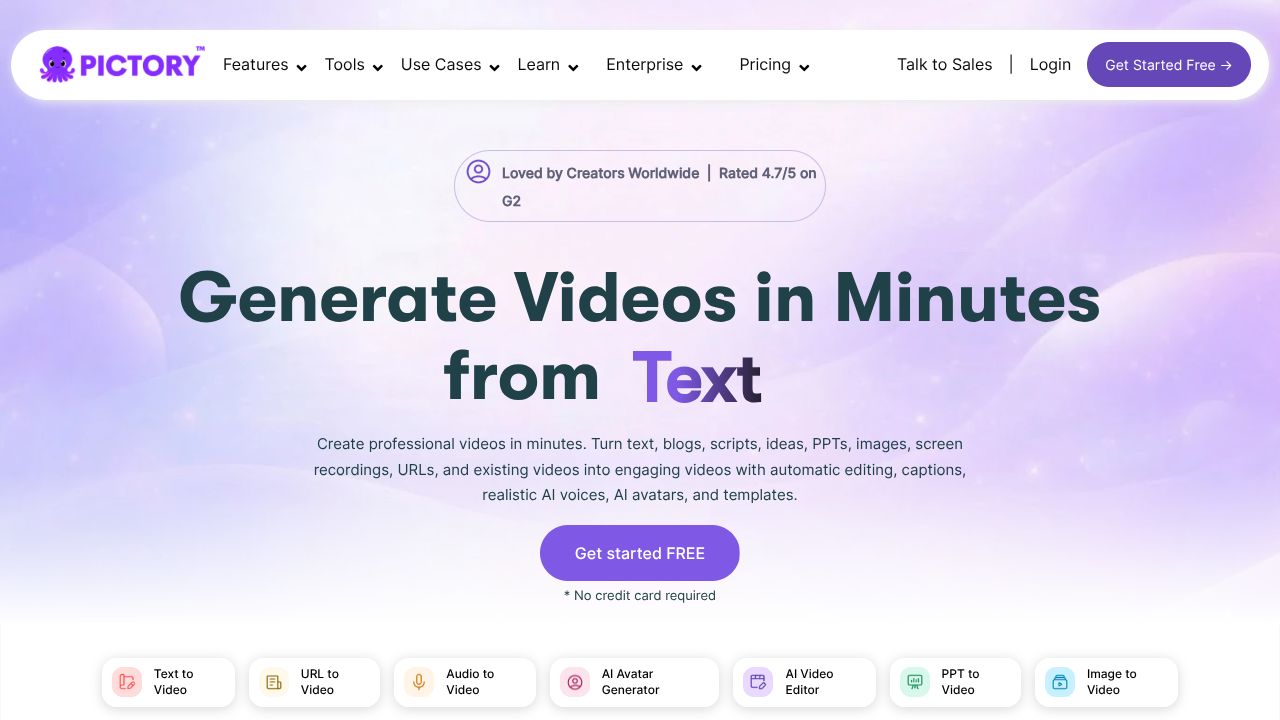
[ Device Preview - Pictory ]
════════════════ DEVICE SPECIFICATION ════════════════
Turn Release Notes and Long Webinars into Snackable Video in 10 Minutes
In the next 5 minutes, you’ll learn how to convert blog posts, changelogs, or hour-long webinars into branded, captioned short clips you can ship across X, LinkedIn, and docs portals. I’ve watched this content repurposing wave since the Lumen5 era; Pictory pushes it further for non-editors with fast script-to-short-video automation and consistent branding. Compared to stitching B-roll in a timeline editor, you’ll save hours per asset—critical when your DevRel calendar is stacked. It’s not a full NLE, and that’s the point: Pictory gets you publish-ready clips fast at $19/mo with a free trial.
Step 1: Setting Up Your Account
- ►Sign up at pictory.ai and start the free trial.
- ►Create your Brand Kit:
- ►Upload logo variations (light/dark).
- ►Set brand colors and a headline/body font that match your docs and site.
- ►Add default intro/outro stings if you have them (5–7 seconds).
- ►Configure captions: enable burned-in captions by default; set your brand color for highlights.
- ►Prepare source content:
- ►For script-to-video: paste a cleaned blog excerpt (120–180 words per 30–45s short).
- ►For webinar/long video: upload MP4 or paste a YouTube link; ensure your transcript is accurate (upload SRT if you have one).
From what I’ve seen across teams, the 20 minutes you spend on a solid Brand Kit pays back every week. It’s how you keep velocity without design drift.
Step 2: Core Features You Need to Know
- ►Script to Video (fastest path to output)
- ►Paste your script or blog URL. Pictory auto-chunks text into scenes.
- ►Pick a template aligned with your brand kit; favor minimalist layouts for technical content.
- ►Practical example: Take your “v1.9 Release Highlights” post, paste 150 words, and auto-generate a 30s teaser with captions and CTA: “brew install yourtool” or “npm i yourlib.”
- ►Auto Highlights from Long Videos
- ►Import your 60-minute webinar. Use keyword biasing: add terms like “benchmark,” “SDK,” “migration,” to nudge highlight selection.
- ►Output 3–5 shorts for social. Ideal for weekly “What’s New” recaps.
- ►AI Voiceovers
- ►Select a neutral, tech-friendly voice; avoid overly cheerful reads for credibility.
- ►Tip: For tricky terms, spell phonetically in the script (“Kuber-net-ees”) to improve pronunciation.
- ►Branded Templates
- ►Lock your logo, corner bug, and lower-thirds. Create formats for 16:9 (YouTube), 1:1 (LinkedIn), 9:16 (Reels/TikTok).
- ►Save a “Changelog” preset and a “Docs Tip” preset to reduce per-video clicks.
- ►Stock Library
- ►Search for abstract loops (code, cloud, network) instead of literal “developer at laptop” clichés.
- ►Prefer patterns and motion graphics behind text; they age better and avoid uncanny stock vibes.
Step 3: Pro Tips for Developer Tools Professionals
- ►Turn README to Demo Teaser: Extract three benefits from your README, pair each with abstract motion, and end with a code CTA on screen: “curl -sSL https://... | bash”.
- ►Pair B-roll with Real UI: Upload 5–10s product screen recordings and pin them to key scenes. Pictory supports mixing your assets with stock for authenticity.
- ►Content Cadence: Build a fortnightly pipeline—webinar → 4 shorts, release notes → 1 teaser, docs update → 1 tip. Batch in one sitting, schedule everywhere.
- ►Aspect Ratios as Channels: 9:16 for discovery, 1:1 for feed, 16:9 for docs site embeds. Duplicate the project and switch ratios; adjust text safe areas before export.
- ►Trust but Verify TTS: For brand and library names, do a 10-second test export before committing.
Common Mistakes to Avoid
- ►Dumping Raw Transcripts: Clean filler words and tighten quotes; highlight detection is only as good as your text.
- ►Overusing Literal Stock: Overly specific footage dates fast and feels fake. Use abstract motion, and insert real product UI for credibility.
- ►Ignoring Audio Headroom: Normalize levels; keep background music -18 to -14 LUFS under voice to avoid “podcast in a wind tunnel” vibes.
How It Compares to Alternatives
In my 15 years, I’ve seen three patterns:
- ►Descript excels at screen recording, precise timeline edits, and team collaboration. If your workflow is code walkthroughs with heavy cuts, Descript wins. Pictory is faster for blog-to-short automation.
- ►Lumen5 popularized blog-to-video; Pictory’s highlight extraction from long videos and brand presets are stronger for shorts at scale.
- ►Synthesia is for avatar-led explainers; if you want a “virtual PM” reading your release, choose Synthesia. If you want montage-style, text-first shorts, Pictory is leaner.
- ►Kapwing and Veed give you manual control; great for one-offs, slower for weekly pipelines. Pictory trades fine control for speed and brand consistency.
If you’re browsing our Category Indexes or Tool Profiles, you’ll see this matches the broader shift: comparison tables increasingly separate “automation-first” from “editor-first.” Pictory is firmly automation-first.
Conclusion: Is Pictory Right for You?
If you’re a DevRel lead, product marketer, or docs engineer who needs weekly short videos without living in a timeline, Pictory is a smart add to your stack. Start with the free trial, invest in your Brand Kit, and build two presets (Changelog, Docs Tip). Use it alongside your editor of choice for deep demos. What others won’t tell you: consistency beats cleverness in this category—Pictory gives you the muscle to ship on cadence. For New Additions to your toolkit at $19/mo, that’s an easy ROI.